Controls for Build a Medieval Army
UI, movement, and menu paths that keep Medieval War Tycoon raids clean.
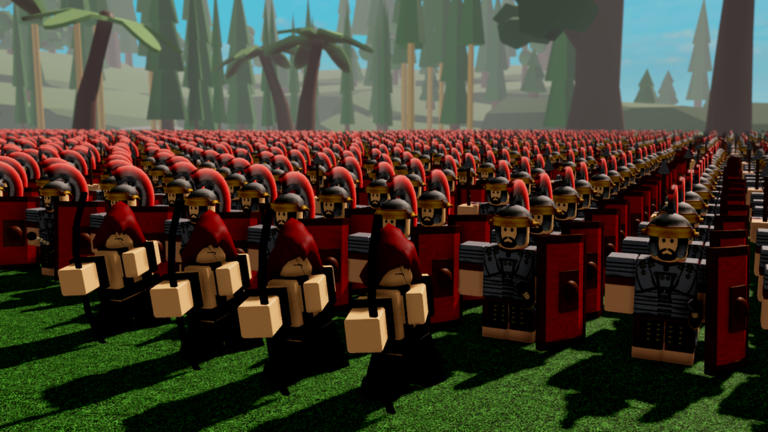
This Controls Hub covers the practical inputs and menus you need in Build a Medieval Army (Medieval War Tycoon by ZedCo). The game is not a complex fighter with forty binds, but awkward camera work and slow menu navigation will still cost flag returns. Use this page as a comfort checklist before you blame your army composition.
Default Roblox movement
On keyboard, expect standard Roblox movement: WASD to move, Space to jump, mouse to look, and click interactions for world prompts. On mobile, use the dynamic thumbstick and jump button. If your device supports it, customize Roblox sensitivity in the escape menu so hill fights do not feel slippery.
Precise movement matters most when you are carrying a stolen flag home. Practice strafing around choke points and not overshooting your own gate. Guide context: How to Capture Flags.
The gear menu (codes and settings)
One non-negotiable UI path:
- Find the gear icon on the left side of the screen.
- Open it.
- Enter the Codes section.
- Paste a code and press Enter.
That path is how you redeem cash, XP, prestige, and effect codes listed on the Codes Hub. Full troubleshooting lives on How to Redeem Codes. Memorize it so you are not searching mid-raid.
Recruitment and upgrade prompts
Your tycoon base includes purchase/upgrade interactions for troops and progression. Walk close to the relevant stations or buttons, watch for the on-screen prompt, and confirm spends quickly after a big return. Hesitation with a full wallet is how leads die—see Early Game Income.
If you own gamepasses (Double Income, soldiers, Heal Spell, clones, Sky Fort, and others), know where their effects appear in UI so you do not repurchase confusion. Value ranking: Gamepasses Tier List.
Camera habits for war tycoons
- Keep the camera high enough to see gate flanks when defending.
- On offense, drop slightly lower for pathing precision around enemy yards.
- Periodically peek back toward base while on the hill; the +20% income bonus is worthless if you miss a raid warning.
- On mobile, consider shifting grip so you can jump and steer while checking the left gear icon without mis-taps.
Defense-oriented camera discipline pairs with How to Defend Your Base.
Prestige and progression menus
When you approach prestige, slow down. Confirm you are opening the correct progression UI—not a random shop—before you reset. Read How to Prestige and estimate timing with the Income Prestige Planner. Exclusive targets are outlined under Prestige Units.
Platform tips
PC. Highest precision for escorts and camera peeks. Bind comfort > fancy overlays.
Mobile. Paste codes from clipboard; do not hand-type long strings. Keep sessions focused so thumb fatigue does not cause gate misclicks.
Console (if available via Roblox). Expect controller movement with on-screen button prompts; give yourself extra time in menus during first prestige.
What controls cannot fix
Great binds will not replace army roles. You still need roster balance from the Units Hub and Troops Tier List, hill awareness from the capture guide, and optionally Premium’s +10% cash. Scripts that promise silent aim or auto menus carry ban risk—see Scripts Hub.
Related wiki routes
How to Play · Guides Hub · Codes Hub · Tier List Hub · Updates Hub · Review
Get comfortable enough that menus disappear from your brain—then spend attention on flags, hill, and defense.
Frequently Asked Questions
Quick answers for Build a Medieval Army players.
Where do I redeem codes in Build a Medieval Army?
Click the gear icon on the left side of the screen, open Codes, paste the code, and press Enter.
What are the movement controls?
Standard Roblox controls: WASD and mouse on PC, thumbstick and jump on mobile. Customize sensitivity in Roblox settings if camera feel is off.
Why do I keep dying while carrying flags?
Often camera and pathing issues. Practice return routes, keep the camera readable, and bring troop escorts instead of pure solo sprints.
Is there a different control scheme for prestige?
No special combat binds—just be careful in progression menus so you do not reset without a plan from the How to Prestige guide.
Do scripts help with controls?
Automation and aim scripts can violate Roblox rules and risk bans. Learn legitimate UI paths instead; see the Scripts Hub for warnings.